
What Action Cam Hub does
Filming with more than one action camera usually means walking to each camera to press record, and opening a different app for each brand to get the footage off. Action Cam Hub connects to all of them over Bluetooth from one phone: one button records on every camera, one screen shows every camera’s battery, storage and mode, and one library holds the clips from all of them.
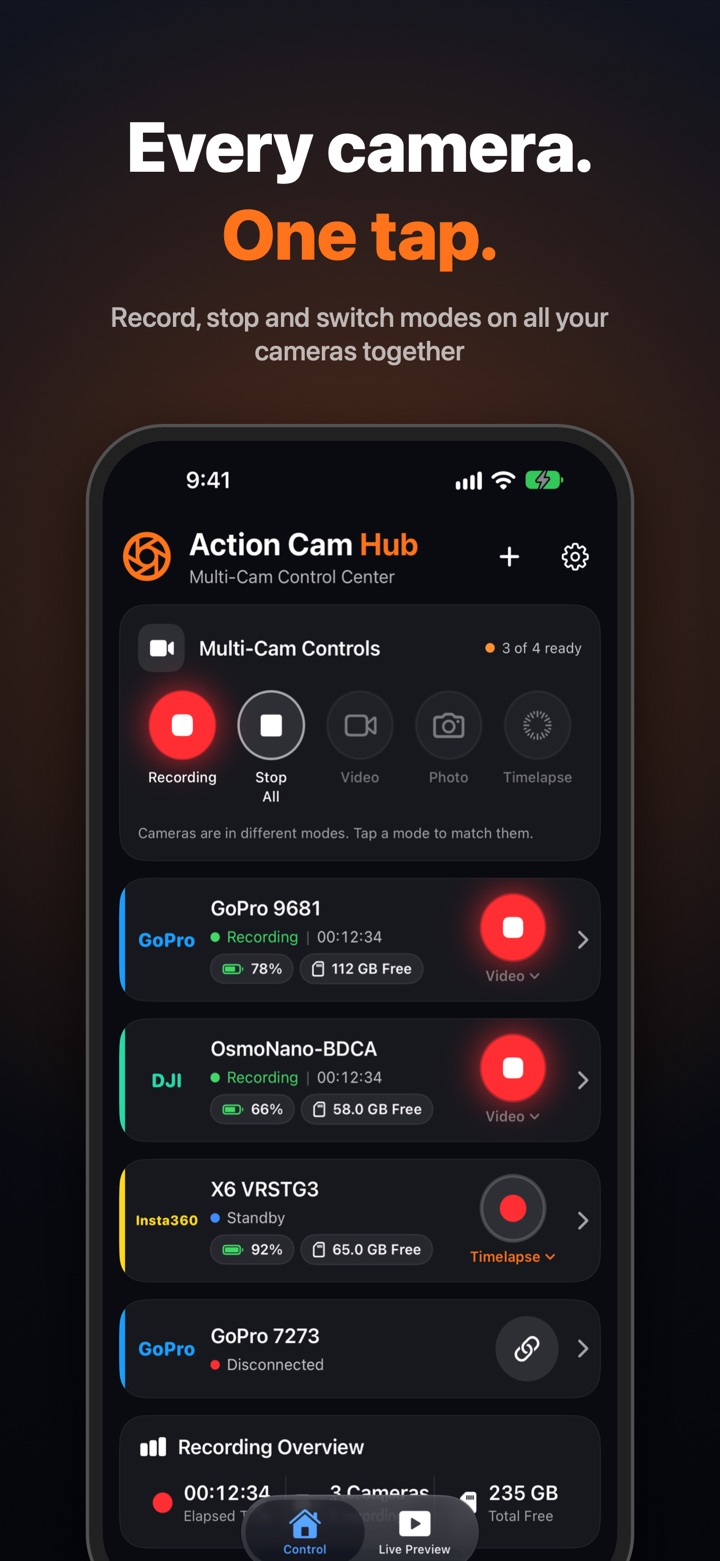
One tap for every camera
- Record All and Stop All start and stop every connected camera together
- Switch every camera to Video, Photo or Timelapse at once
- Battery, storage, mode and recording status for each camera at a glance
- Name your cameras (“Helmet cam”, “Chest cam”) and see that name everywhere
Live preview
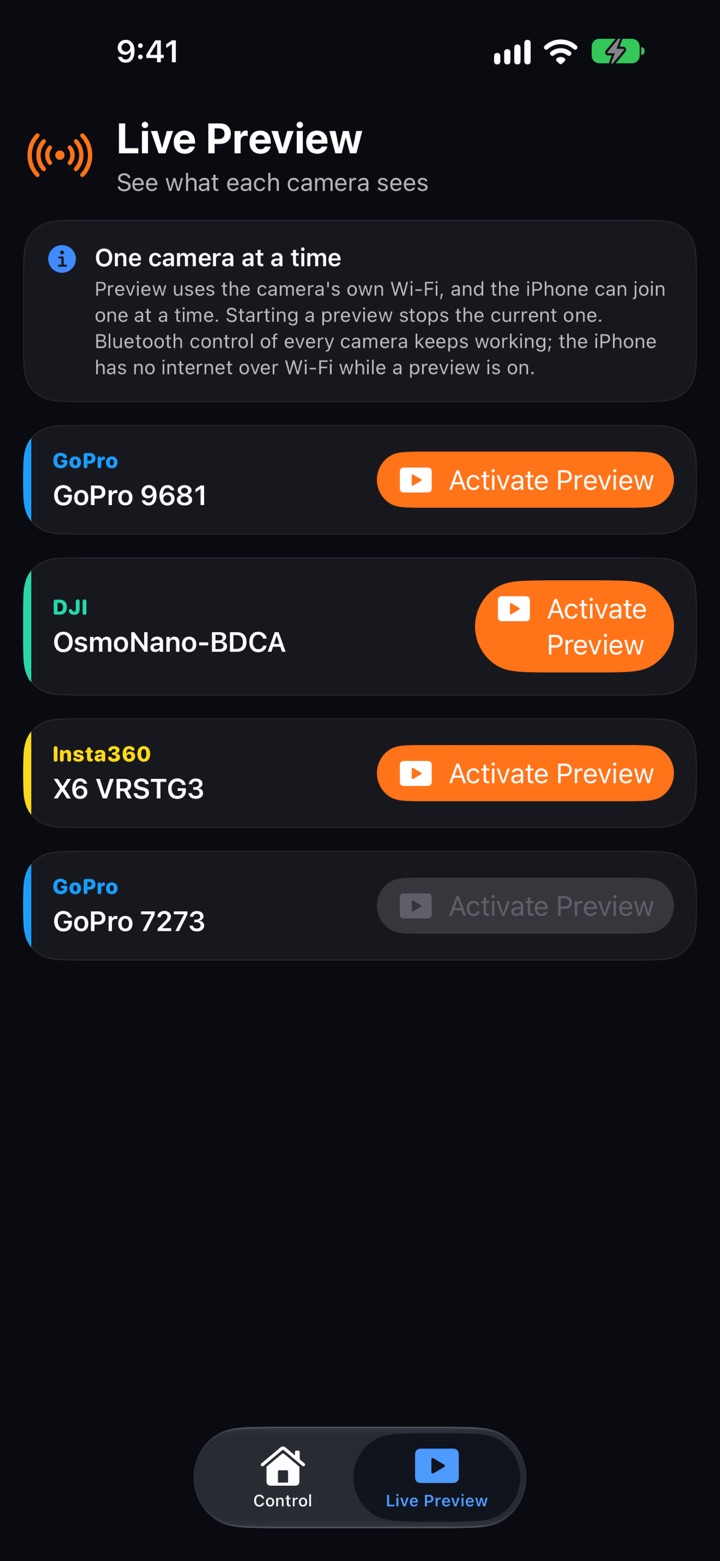
- Check framing on each camera with a live preview over the camera’s own Wi-Fi
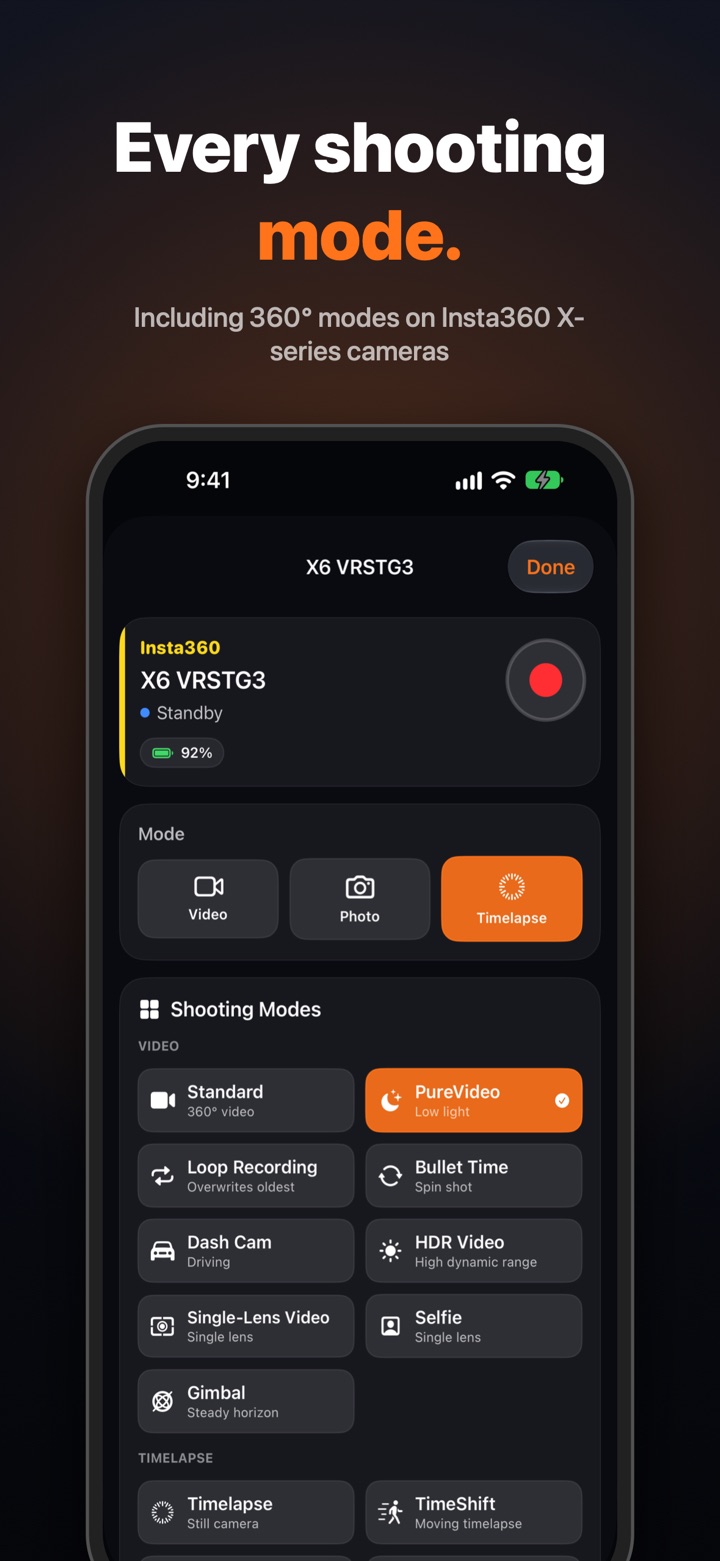
- 360° live preview for Insta360 cameras: drag to look around
All your footage in one library
- Browse each camera’s clips and photos, preview a clip before downloading it
- “New since last download” gets only what’s new; interrupted downloads resume by themselves
- One library for everything from every camera: play, filter by camera, share several at once
- Delete clips from a camera only after they’re safely saved on your phone
Insta360 360° export and reframe
- Export a properly stitched 360° video
- Or frame your shot and export a regular 16:9, 9:16 or 1:1 video
- Stitching, horizon levelling and framing all happen on your phone
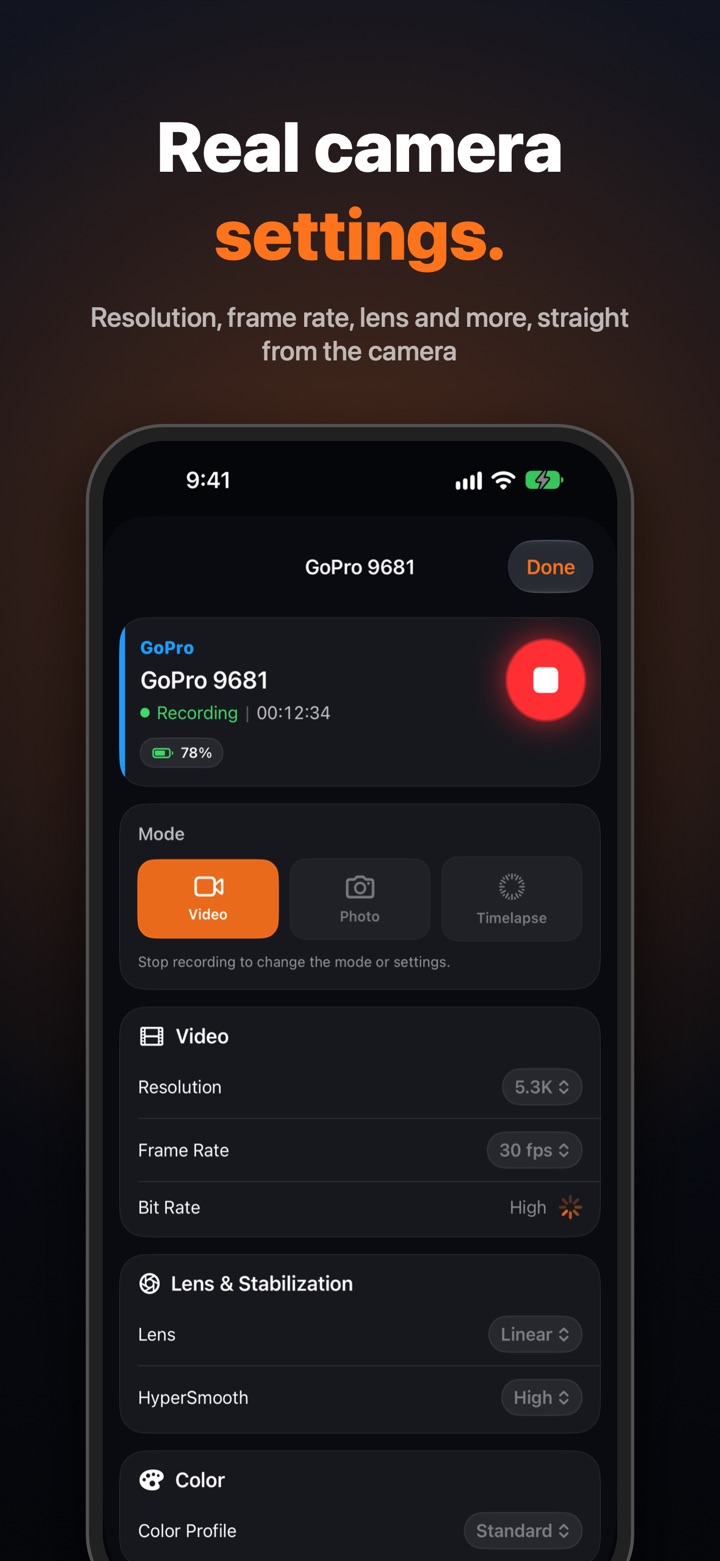
Real camera settings
- Change resolution, frame rate, lens and more on GoPro and Insta360 cameras
- Settings come from the camera itself, so you only see options your camera supports
Hands-free
- iPhone: Siri, a Lock Screen Live Activity with a Stop button, and an Apple Watch app
- Android: a recording notification with Stop All, and app links for automation apps
- Long-press the app icon for Record All, Stop All and Take Photo
Screenshots
Great for
Moto vlogs
Helmet cam, chest cam and bike cam all rolling together, started from one button.
Mountain biking, skiing, surfing
Start every angle before you drop in, then check every camera’s battery and storage.
Multi-angle vlogs and interviews
Two or three cameras on one subject without walking to each one to press record.
Car and cockpit setups
Mount cameras where you can’t reach them and control them all from your phone.
360 reframe for social
Turn Insta360 footage into vertical or widescreen clips without a computer.
Works with
- GoPro
- HERO11 Black and HERO11 Black Mini. Other recent GoPro models with Open GoPro support may work.
- Insta360
- X-series 360° cameras, including the X6.
- DJI Osmo
- Osmo Nano: record, photo, timelapse, mode switching and downloads.
Cameras connect over Bluetooth; live preview and transfers use each camera’s own Wi-Fi, one camera at a time.
Pricing
Free to use with one camera. Pro unlocks all your cameras with a one-time purchase, no subscription, and starts with a 7-day free trial. No accounts, no ads, no tracking.
Frequently asked questions
Can I start recording on several GoPro cameras at the same time?
Yes. Connect your cameras over Bluetooth and tap Record All: every connected camera starts recording together, and Stop All stops them together. You can mix brands, for example two GoPros, an Insta360 and a DJI Osmo Nano.
Which cameras does Action Cam Hub work with?
GoPro HERO11 Black and HERO11 Black Mini (other recent GoPro models with Open GoPro support may work), Insta360 X-series cameras including the X6, and the DJI Osmo Nano.
Are the recordings frame-accurate synced?
No. The cameras start within a fraction of a second of each other, which is close enough to line clips up quickly in an editor, but it isn’t frame-accurate timecode sync.
How is it different from GoPro Quik, the Insta360 app or DJI Mimo?
Each camera maker’s app works with that maker’s cameras. Action Cam Hub controls GoPro, Insta360 and DJI Osmo cameras together from one screen, records on all of them with one tap, and puts the footage from every camera into one library.
Does it need an internet connection or an account?
No. Cameras are controlled over Bluetooth. Live preview and downloads use each camera’s own Wi-Fi, one camera at a time. There are no accounts, ads or tracking, and nothing you record is uploaded.
Is Action Cam Hub free?
It’s free to use with one camera. Pro unlocks all your cameras with a one-time purchase (no subscription), and comes with a 7-day free trial.
Which phones does it run on?
iPhone with iOS 17 or later (plus an Apple Watch app), and 64-bit Android phones with Android 10 or later and Bluetooth.
Can I reframe Insta360 360° footage on my phone?
Yes. Export a stitched 360° video, or frame your shot behind a box, pick 16:9, 9:16 or 1:1, trim, and export a regular video. It all happens on the phone.
Action Cam Hub is an independent app by Swiss IT Products and is not affiliated with or endorsed by GoPro, Insta360 or DJI. All trademarks belong to their owners. Apple, the Apple logo, iPhone and Apple Watch are trademarks of Apple Inc. App Store is a service mark of Apple Inc. Google Play and the Google Play logo are trademarks of Google LLC. · Privacy policy · Terms of service